Top Features for Accounting Software
Modern accounting software consolidates financial operations by providing core functions like general ledgers, accounts payable/receivable, invoicing, bank reconciliation, and payroll. It extends further with advanced modules for inventory management, project costing, budgeting, and tax compliance (GST/VAT), supported by robust reporting and analytics. Enhanced with automation, mobile accessibility, enterprise-grade security, and system integrations, it ensures greater accuracy and informed decision-making. Discover how the accounting software helps in recording transactions within an organization through this article on the top features of accounting software.
Top Accounting Software Features
Electronic tax filing
Electronic tax filing solutions enhance compliance efficiency by automating tax calculations, connecting directly with government portals, and safeguarding data accuracy. By automatically applying the correct tax rates and managing complex scenarios, such as interest, deductions, and arrears relief, they reduce human error and deliver a more reliable and transparent tax process.
Benefits:
- Users can generate and make tax payments (like advance tax or self-assessment tax) directly through the software with integrated banking, avoiding the need to manually enter information on separate bank or government websites.
- The software can automatically match internal purchase and sales data with tax portal records to highlight mismatches and ensure accurate tax claims.
- Built-in periodic reminders and deadline trackers help users stay compliant and avoid penalties or late fees.
QuickBooks Online Advanced
QuickBooks Online Advanced is a cloud-based accounting solution built to support business growth. It extends the core features of QuickBooks Online with advanced analytics, deeper customization, and enhanced resource management. The software provides a full electronic interface for the filing of repeatable taxes, such as payroll or sales tax. QuickBooks Online Advanced users have rated the feature a 9.3 in the TrustRadius user experience review.
“QuickBooks Online Advanced (QBOAd) allows our organization to quickly and efficiently manage our revenue and expenses, and payroll needs. It can also integrate with other applications for additional financial insight that gives our organization the competitive advantage we need in our market.”
Read the full review here.
Configurable Accounting
Configurable accounting empowers organizations to align financial systems with their unique business models. By tailoring workflows, reports, tax rules, invoicing templates, and user permissions, companies gain efficiency and sharper financial insights without being constrained by rigid structures. Key differentiators include advanced reporting, compliance tailored to industry standards, seamless integration with CRM/ERP platforms, automation of routine entries, and adaptable bank reconciliation, ensuring scalability and resilience for evolving operational demands.
Benefits:
- Design profit and loss, balance sheets, cash flow statements, and dashboards that reflect your business priorities.
- Establishes approval paths for expenses, invoices, and payments to reduce bottlenecks and improve compliance.
- Personalize invoice formats, schedule recurring invoices, and automate reminders to accelerate collections.
Xero
Xero is a cloud-based accounting platform designed for small businesses, advisors, and individuals managing personal finances. Competing directly with QuickBooks Online, it offers more than just general ledger and double-entry bookkeeping. Key features include invoicing with quotes, automated bank reconciliation, purchase order and expense tracking, tax management tools, and mobile accessibility, providing a flexible solution for modern financial management. Xero users have rated the feature a 9.9 in the TrustRadius user experience review.
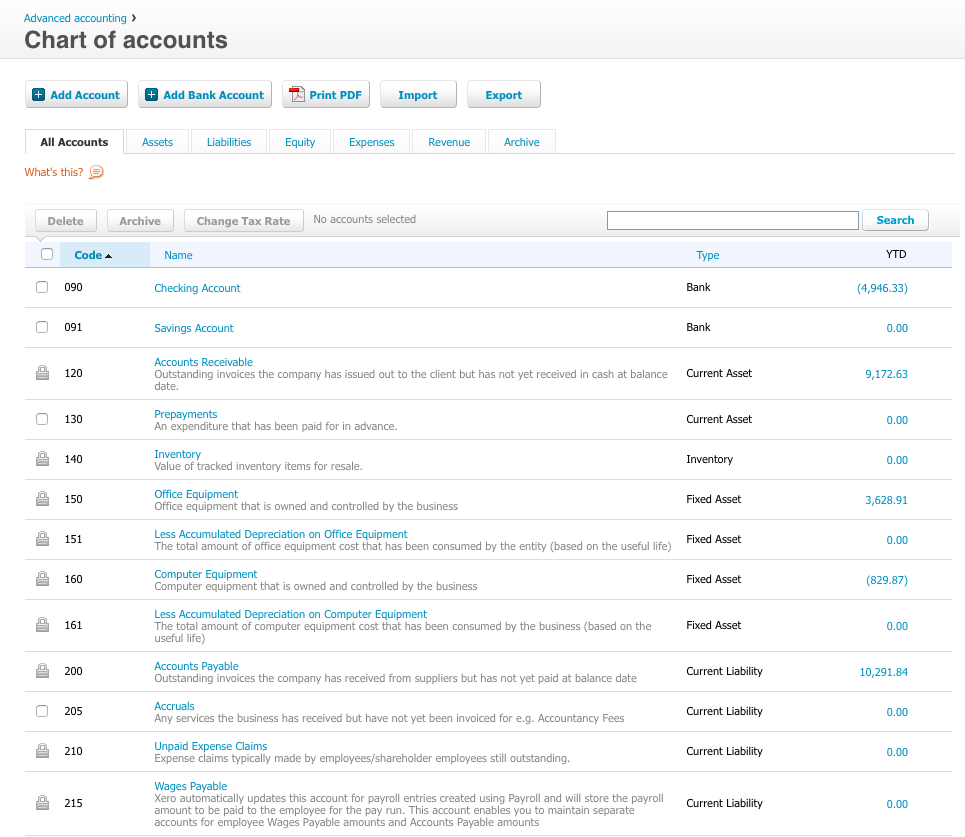
“Xero is mainly used for accounting purposes. It helps in the seamless management of the accounts and also helps in payroll, accounts receivable, and accounts payable. Xero is very user-friendly, and the interface always helps in navigating through the records easily. The Reporting is also very good, which helps in extracting the numbers as and when needed.”
Read the full review here.
Bank reconciliation
Accounting software streamlines bank reconciliation by automatically matching internal records with bank statements. Leveraging bank feeds, AI-driven matching, custom rules, and variance detection, these systems quickly identify discrepancies, ensure accuracy, and maintain audit trails. Integrated with broader financial platforms, they enable faster, continuous reconciliation and smoother financial closes.
Benefits:
- Direct integration with financial institutions for real-time transaction updates.
- Alerts for discrepancies to maintain accuracy.
- Intelligent algorithms align records with statements automatically.
QuickBooks Online
QuickBooks by Intuit is a leading financial management platform built to empower businesses with greater control over their finances. It simplifies bookkeeping, enhances cash flow visibility, and provides integrated tools for business owners, accountants, and freelancers to manage day-to-day operations efficiently and with confidence. QuickBooks users have rated the feature a 9 in the TrustRadius user experience review.
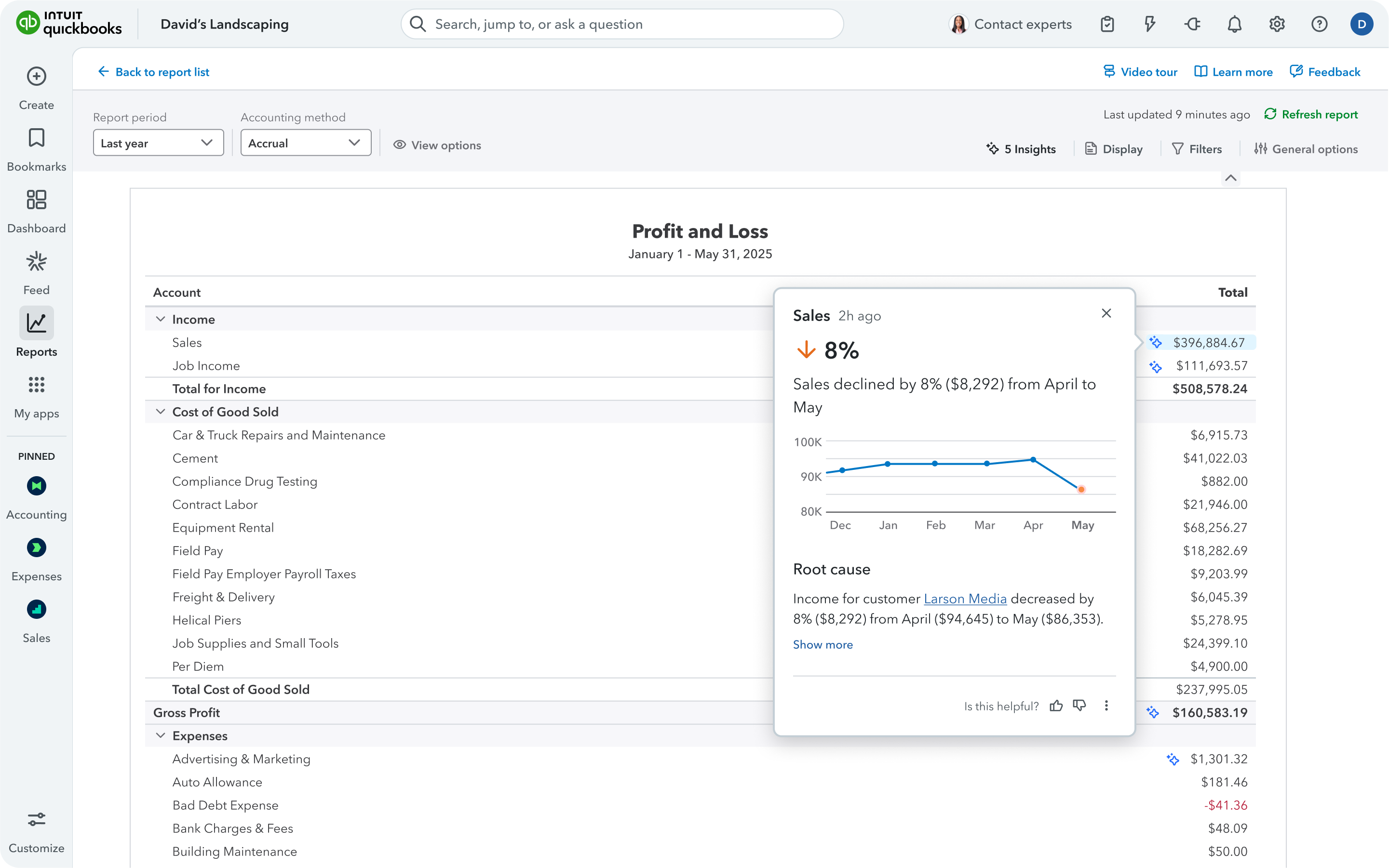
“We use QuickBooks Online for our day-to-day accounting of sales, expenses, fixed assets, and cash. The system is a great out-of-the-box ready tool that any organization can use; however, the functionality and simplicity of it make it more geared towards businesses that are startup in nature or organizations with very little to no technical complex accounting.”
Read Christopher’s full review here.
Single sign-on capability
Single sign-on capability is a strategic feature in accounting platforms that simplifies access management and strengthens security. By allowing users to log in once and gain entry to all connected financial tools, such as accounting, expense management, payroll, and CRM, single sign-on capability eliminates password fatigue, reduces administrative overhead, and improves compliance. It functions as a unified gateway, boosting efficiency and safeguarding sensitive financial data.
Benefits:
- Fewer passwords reduce vulnerability and improve compliance, while eliminating repetitive logins and speeding up workflows.
- Connects financial tools and business applications under a unified identity framework.
- Acts as a master credential system, ensuring streamlined access and stronger protection across financial operations.
Sage Accounting
Sage goes further by offering an all-in-one solution that integrates Payroll, HR, and Accounting. This unified approach reduces complexity, improves efficiency, and provides business owners with a single system to manage both finances and people. Sage users have rated the feature a 9.9 in the TrustRadius user experience review.

“I use Sage Accounting for creating invoices, sending estimates, and keeping track of A/R. Clients used to have problems paying invoices, but now credit card payments are a breeze, thanks to Sage Accounting and Stripe.”
Read Sky’s full review here.
Pay calculation
Payroll features in accounting software automate complex pay calculations, covering gross pay (salary, hourly wages, bonuses, overtime) and deductions (taxes, benefits). Integrated with time tracking, these tools ensure compliance with tax regulations, process direct deposits, and generate payslips and reports. By linking directly to the general ledger, they deliver accurate financial tracking and streamlined payroll management.
Benefits:
- Payroll functionality covers all aspects of employee compensation: base pay, overtime, shift differentials, bonuses, and commissions.
- The system manages statutory withholdings (income tax, social security) alongside voluntary deductions.
- Direct integration with time‑tracking tools ensures precise wage calculations, particularly for hourly staff.
QuickBooks Desktop Enterprise
QuickBooks Desktop Enterprise provides comprehensive accounting capabilities tailored to small and mid‑sized organizations. Positioned at the top of the QuickBooks suite, it supports complex workflows and multi‑user collaboration. QuickBooks Desktop Enterprise users have rated the feature a 9.2 in the TrustRadius user experience review.
“We use QuickBooks for all of our accounting functions. It is user-friendly, goes anywhere we go, and has a tremendous capability for customization. I use the import functions, and this saves a lot of time when bringing in data from other applications. Even though there is a lot that can be done, it is also easy to start using it with not too much training.”
Read Suzanne’s full review here.
Credit card processing
Accounting software integrates credit card processing to deliver real‑time financial visibility and improved cash flow management. Automated transaction recording, streamlined reconciliation, and advanced security aid in reducing risk and errors. Multi‑channel acceptance, online, in‑store, and mobile access, ensures flexibility, while digital receipts, refunds, and detailed reporting empower smarter business decisions.
Benefits:
- Accept payments seamlessly across every channel, in‑store, online checkout pages, payment links, SMS, and mobile apps.
- Customers can pay their way with cards or digital wallets like Apple Pay and Google Pay.
- Delivers convenient and trusted payment options, from cards to digital wallets, driving higher customer satisfaction.
SAP S/4HANA Cloud
SAP S/4HANA Cloud has general ledger and configurable accounting features supporting accounts payable, accounts receivable, global financial support, primary and secondary ledgers, journals, and reconciliations, configurable accounting, and standardized processes. It also supports cash and asset management, budgetary control, and with encumbrance accounting. SAP S/4HANA Cloud users have rated the feature an 8.9 in the TrustRadius user experience review.
“We have been using SAP S/4HANA Cloud and S4 Hana central finance to manage R2R, P2P, and O2C business processes of our client. Our client is a plant automation and Robotics product company. With S4 Hana Central Finance, we are helping our client to consolidate its finance data and central processes like central payment. With Central Finance, we have enabled clients to consolidate their financial data from 36 source systems. This helped the client to leverage the power of SAP S/4HANA Cloud and the consolidation of data within 2 years.”
Read Sambit’s full review here.
Accounts payable
Accounts payable (AP) software streamlines the full bill-to-pay cycle by automating invoice capture and data extraction (OCR), approval workflows, and multi-method payment processing. With integrated vendor management, ERP connectivity, advanced reporting/analytics, and built-in fraud controls, it enhances efficiency, accuracy, and cash flow management.
Benefits:
- Streamlines operations by eliminating manual data entry and accelerating processing.
- Enhances accuracy through automated purchase order and invoice matching.
- Improves vendor relationships with self-service access to payment status.
Acumatica
Acumatica provides a comprehensive set of cloud-driven business applications. Core features include configurable dashboards, robust reporting capabilities, embedded document management, centralized security controls, and extensive customization options, delivering a secure, adaptable environment for enterprise accounting operations. Acumatica users have rated the feature an 8.5 in the TrustRadius user experience review.
“We currently use Acumatica for finance and accounting purposes, with the goal being to expand its use across the rest of the company over time.”
Read the full review here.
Order entry
Modern accounting platforms streamline order management by automating sales and purchase order capture, processing, and fulfillment. With real‑time inventory visibility, automated pricing, and ERP/CRM integration, businesses reduce errors, accelerate workflows, and improve customer satisfaction.
Benefits:
- Real‑time inventory checks to prevent stockouts.
- Dynamic pricing with cross‑sell/up‑sell prompts.
- Customizable workflows to match business processes.
Zoho Books
Zoho Books is an accounting platform built to support small businesses in managing their finances. It offers intuitive dashboards, comprehensive reporting, and the ability to automate routine tasks through customizable workflows. With the order entry feature, users can enter an order once, and the data flows to all the necessary units, such as fulfillment and billing. Zoho Books users have rated the feature a 9.3 in the TrustRadius user experience review.

“We use Zoho Books to create and send invoices, keep track of expenses, and tally everything for Sales Tax filing and documentation. It is a fairly comprehensive platform that covers all the use cases one needs to do bookkeeping for small and medium-sized enterprises. The Dashboard is also a quick and easy way to get a snapshot of the company’s financial health.”
Read Anirudh’s full review here.
Choosing the Top Features for Accounting Software
The need for accounting software that can support organizations regardless of size or sector is undeniable. However, with the steady rise in financial software developers over the decades, the marketplace has become crowded. Consequently, the process of selecting a high-performing accounting system has shifted from being relatively simple to considerably more challenging. This article helps in understanding the top features of accounting software required for an organization to perform efficiently.
To continue your research, explore the Accounting software page on TrustRadius. You can compare products, read verified reviews, and see which solutions best fit your needs. You may also find value in related categories and resources, including: