Best Virtual Machine Software for 2026
Virtual machine software ranges from server virtualization to emulating other operating systems to handle package dependencies for development. Things as varied as package dependency and server virtualization require an equally varied solution. This means there is no one-size-fits-all virtual machine solution. Businesses can spend $200+ per license just to handle virtualization. Unless you need highly specific features, there will likely be a free virtual machine option for you.
We will explore the best virtual machine platforms for developers using each of the most popular host OS: Windows, Linux, and macOS. Each of these virtual machine options is easy to implement and manage, and most are free.
Virtual Machine Software Overview
| Name | trScore | Pros | Cons | Supported OS | Pricing |
| VMware Workstation Pro | 8.2/10 | Works on most popular OS | Fewer Niche OS capabilities | Windows, Linux, and MacOS | NA |
| Proxmox VE | 8.8/10 | Supports the popular OS Options- High Level of customization | Moving disks between VMSs is not automated | Linux and Windows | Starting price $143.01 |
| Parallels Desktop | 9.1/10 | Easiest to Implement- High Performance | No Forever Free Option | macOS, Windows, and Linux | Starting price $44.89 per Year |
| Hyper-V | 8.2/10 | Gives a secure platform from which to administer the production environment | Limited functionality without domain-joined hosts | Windows, Linux, and FreeBSD | Standard Edition $1,176 |
Popular, Generalist Virtual Machine Software
One of the most common names you will hear when looking for VM software is VMware Workstation Pro, and other products by the same vendor. For many people, this is going to be a solid, reliable option, though it may lack some niche use case support, as we will discuss later. Overall, VMware Workstation Pro is a fantastic, reputable virtualization software that offers great functionality across a wide array of different operating systems.
To start, the tool supports Windows, MacOS, and Linux operating systems. VMware Desktop Hypervisor for Mac delivers streamlined power with native support for Windows 11 on Arm, accelerated DirectX 11 3D graphics, and lightning‑fast file sharing. It has many similar capabilities and benefits, such as the highly rated support of VMware extend across product lines.
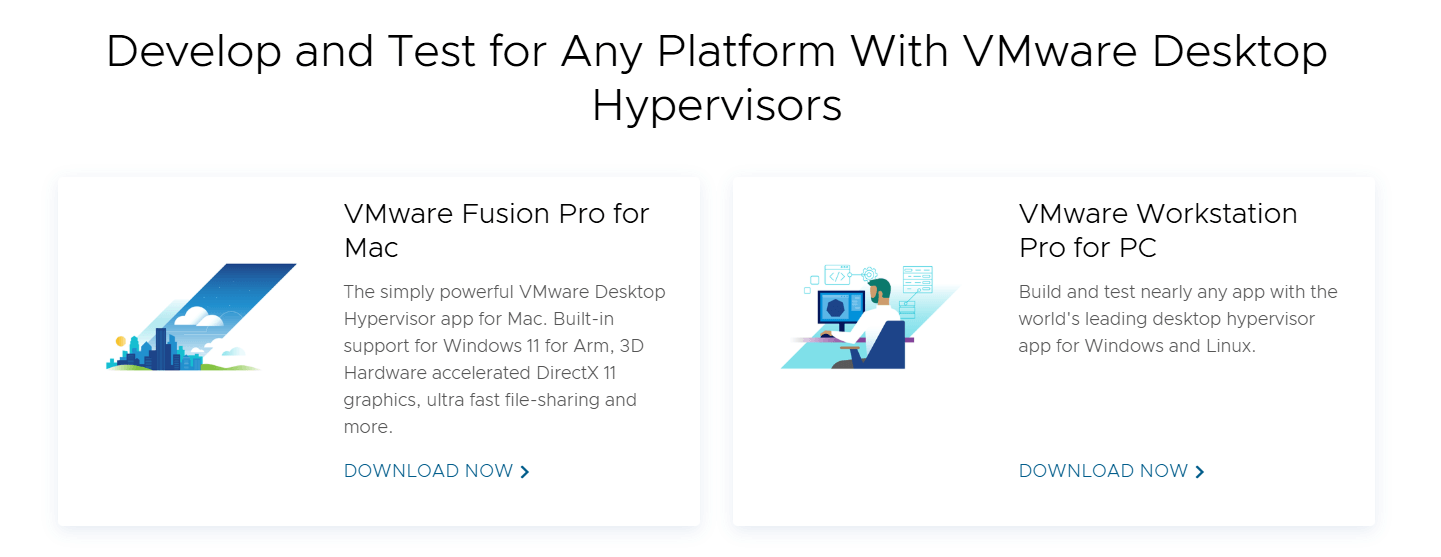
Users routinely praise the virtual environment, ease of use, temporary network, strong optimization, and a host of other features. The tool is well-suited to consistent, moderate workloads. Notably, the tool is consistently being improved, and as with improvements to CPU tech, broader architecture, and VM workflows, you can trust that your software will adapt with you.
“For the most part, we use it to support businesses’ operating systems that are required for legacy software, allowing them to virtualize these systems on new hardware. It runs Windows XP Pro OS on top of Windows 10 and 11, making it possible to utilize custom legacy software and allowing for the use of COM/LTP ports.”
Read the full review here.
Most Versatile Virtual Machine Software
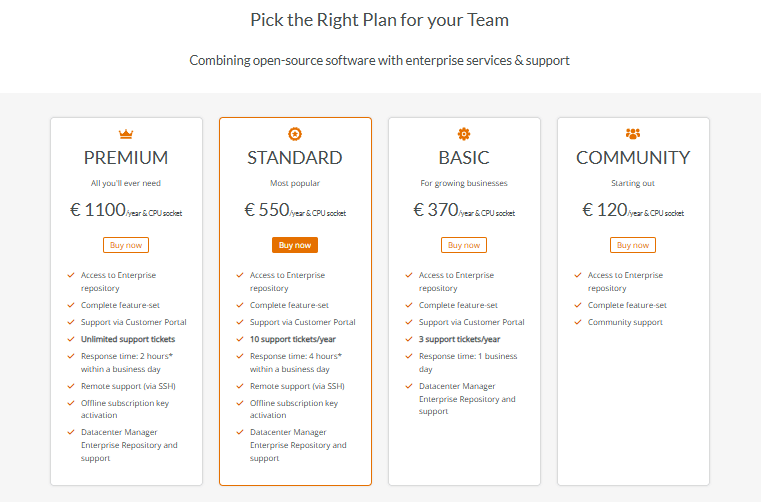
Proxmox Virtual Environment (VE) is a complete, open-source platform for enterprise virtualization. It unifies compute, storage, and networking with integrated KVM hypervisor and Linux Containers (LXC), software-defined infrastructure, and a powerful web-based interface. With built-in availability, disaster recovery, and dynamic scalability, Proxmox VE enables organizations to optimize resources, reduce costs, and future-proof their data centers.
With Proxmox VE, you gain a unified platform that integrates KVM for full virtualization of Windows and Linux images alongside LXC for lightweight container workloads. This dual approach ensures maximum flexibility, enabling efficient resource utilization and conflict‑free application deployment in production environments.
Proxmox VE is an ideal solution for enterprise environments. Its production‑ready features simplify management, streamline operations, and reduce data center complexity. With enhanced support services and training, your business stays efficient, resilient, and always running.
“We needed to have a flexible virtualization environment that granted us control over how the virtual machine was presented, as well as compatibility with other platforms. This was for our own organization, as well as for our clients, some being financial institutions, schools, and large investment companies. Proxmox has granted us this flexibility while at the same time ensuring we don’t have vendor lock-in.”
Read Joseph’s full review here.
Best Virtual Machine Software for Mac OS Users
There are a ton of virtualization tools for Mac, and historically, they’ve focused on virtualizing Windows machines. Parallels Desktop stands out as one of the best support for Mac support tools. It also runs Windows applications on your Mac effortlessly. It is an easy, powerful, and seamless solution.
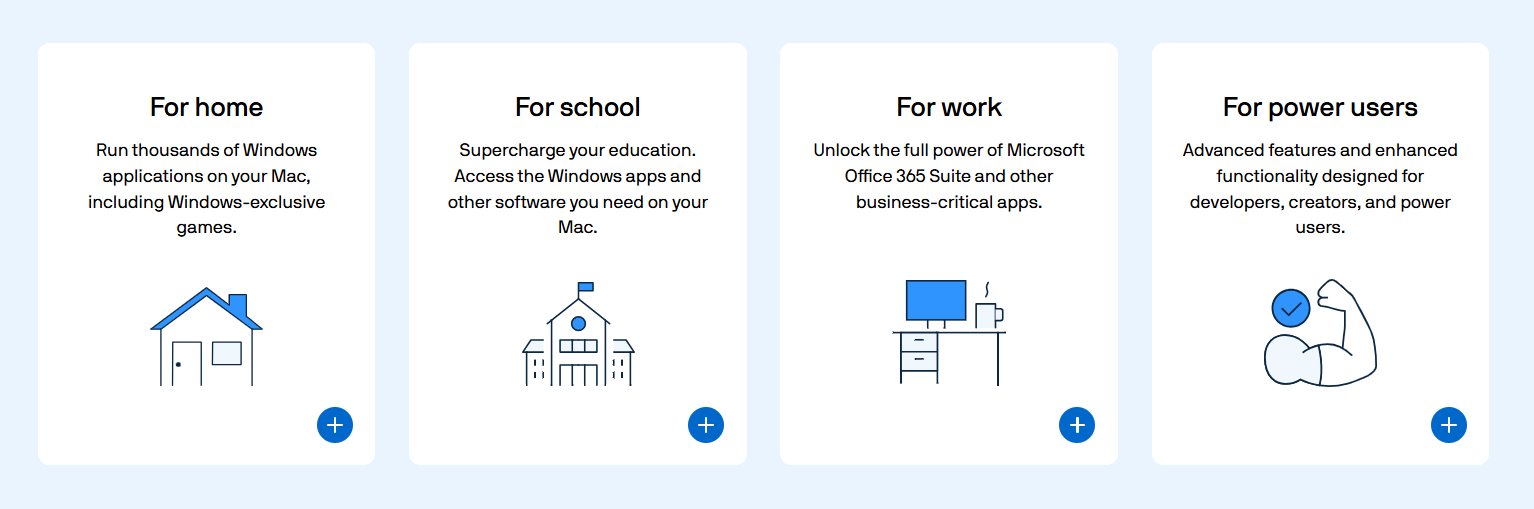
By deploying Windows within a virtual machine, Mac users can extend their computing capabilities to include access to more than 200,000 applications. This integration, authorized by Microsoft, supports academic, professional, and recreational use with efficiency and convenience.
Parallels has no free version, and it offers an affordable license that starts at $44.89 per Year, with stellar usability. Parallels provides an installation assistant that makes it simple to create virtual machines. It also runs Windows 11 on Mac with a Microsoft-Authorized Solution for integrated Windows 11 Pro and Enterprise on Macs with M1, M2, and M3 chips.
“I use it to help facilitate my job in a Windows environment. I’m able to have Parallels running Windows, which then has my admin tools (which in most cases are built for Windows only). It makes it so I don’t have to do RDPs to other desktops. Fewer windows equals more productivity.”
Read the full review here.
Best Virtual Machine Tool for Windows Development
Hyper-V is a powerful virtualization technology that benefits college and university students as much as developers and system administrators. By creating virtual machines, students can run multiple operating systems and applications on a single device—an especially valuable capability for computer science and engineering majors who need to test diverse software environments and coding projects.
Businesses that operate on Windows are in luck because Microsoft provides a virtual machine tool with Windows 11. Enabling Hyper-V on a Windows 11 computer allows students to reduce expenses and save time by removing the need for physical hardware, while gaining the flexibility to run multiple operating systems and applications seamlessly on one device.
Hyper-V is Microsoft’s enterprise-grade hypervisor, integrated into both Windows Server and Windows. It delivers hardware-level virtualization that allows organizations to efficiently create, manage, and scale virtual machines. As a type-1 hypervisor, Hyper-V runs directly on hardware, ensuring near-native performance and strong workload isolation. By virtualizing workloads, businesses can optimize hardware usage, simplify IT operations, and strengthen business continuity. With support for multiple operating systems—including Windows, Linux, and FreeBSD—Hyper-V provides a versatile foundation for diverse IT environments.
“We are a managed service provider focusing on the SMB market. We virtualize every server we put out to bolster supportability, disaster recovery, scalability, and ease our next lifestyle migration by divorcing the production environment from the hardware altogether. Hyper-V’s simplicity of implementation and inexpensive licensing (included in Windows Server) allows us to do this and lower the cost to service our customers while providing superior functionality!”
Read the full review here.
Find the right Virtual Machine Tool for Your Workspace.
VM software lets you run multiple operating systems on one machine in secure, isolated environments. Popular options include Oracle VirtualBox, VMware Workstation Pro, and Parallels Desktop for Mac. Benefits include OS flexibility, safer software testing, and improved security.
Need more information? Consider checking out additional software and user reviews for virtual machine software on TrustRadius.